
Best Survey Tools Compared: What to Use and When
Most “best survey tool” lists fall apart the moment you ask one simple question: best for what, exactly? A survey for customer feedback behaves differently than a lead-gen quiz. An internal pulse survey has different requirements than market research. And a one-time form needs a different workflow than an ongoing feedback program.
In this comparison, we’ll keep it practical and focus on three platforms that cover the most common scenarios:
- SurveyNinja – a straightforward builder for everyday surveys
- SurveyMonkey – a well-known option with broader program-style features
- Tally – a lightweight, modern form-and-survey tool that’s fast to ship
Instead of choosing a single “winner,” we’ll rank them by scenario, so you can pick the right tool for your next project.
The 3-tool snapshot
Tool | Best for | When it’s not the best fit |
SurveyNinja | Simple, repeatable surveys with clean setup | When you need enterprise-style controls or very deep program analytics |
SurveyMonkey | Team workflows, structured programs, and heavier reporting | When you want a minimal UI, lightweight pricing, or ultra-fast setup |
Tally | Quick forms, lightweight surveys, and fast iteration | When you need advanced “survey program” features or complex governance |
What “use and when” really means
Before you pick a platform, you’re usually deciding between three approaches:
1) One-time survey: launch, collect, conclude (event feedback, quick research).
2) Ongoing feedback loop: you run it repeatedly (monthly NPS, onboarding feedback).
3) Conversion flow: the “survey” is actually part of marketing (lead capture, qualification).
Now let’s compare the tools using that lens
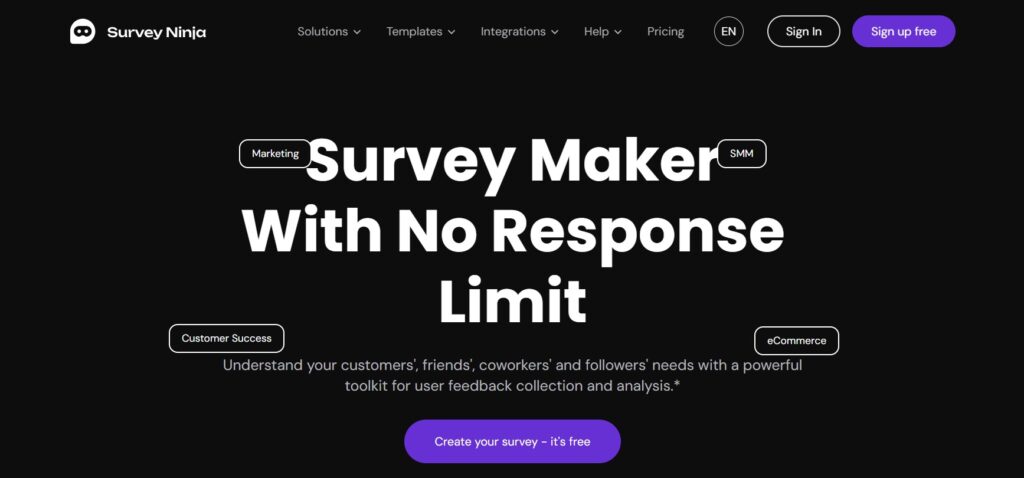
Survey Ninja – Free Survey Maker
SurveyNinja fits best when you want a survey builder that stays easy to operate even if you’re not a researcher. The experience is “just enough tool”: you can build real surveys quickly without getting dragged into complex setup screens.
Use it when
You need a practical tool for customer feedback, community polls, simple internal check-ins, and repeatable templates. It works well for teams that want consistency: create a pattern once, reuse it, iterate the questions, and keep moving.
Why it works in real projects
The biggest advantage isn’t a flashy feature-it’s momentum. When surveys are easy to build and adjust, you run them more often, learn faster, and avoid the “we’ll do it later” problem that kills feedback programs.
Choose something else when
You’re running a large organization-wide program that needs strict admin controls, heavy governance, or deep benchmarking reports across many segments.
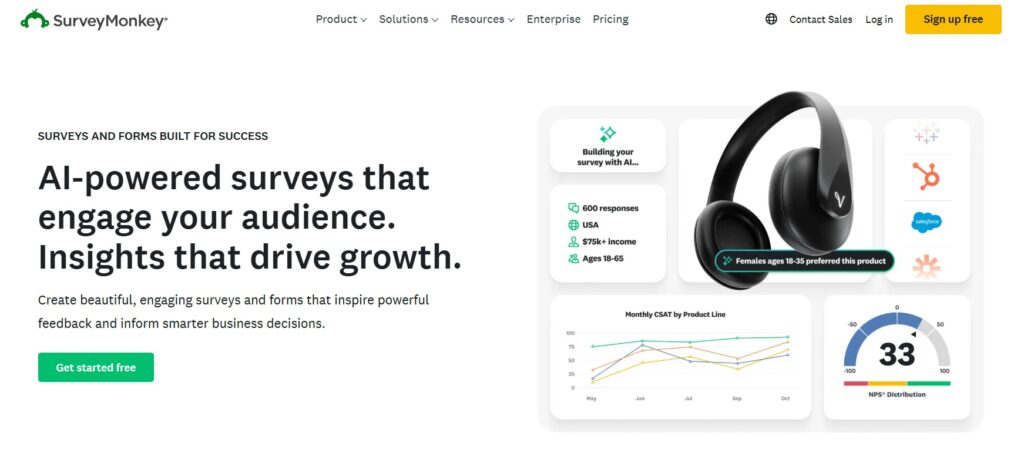
SurveyMonkey
SurveyMonkey is often selected when surveys become a process, not a one-off task. It’s widely used and typically supports broader team needs-especially when different people build, distribute, analyze, and report.
Use it when
You want robust reporting patterns, team collaboration, and survey operations that might grow into a program (customer experience tracking, HR feedback cycles, more structured research routines).
Why it works in real projects
If you expect stakeholders to ask for slices, cuts, comparisons, and shareable reports, SurveyMonkey often feels comfortable. It’s built for “survey as a business function,” not only “survey as a quick link.”
Choose something else when
You just want a fast, lightweight workflow with minimal overhead, or your survey needs are simple enough that you’ll resent paying for the extra weight.
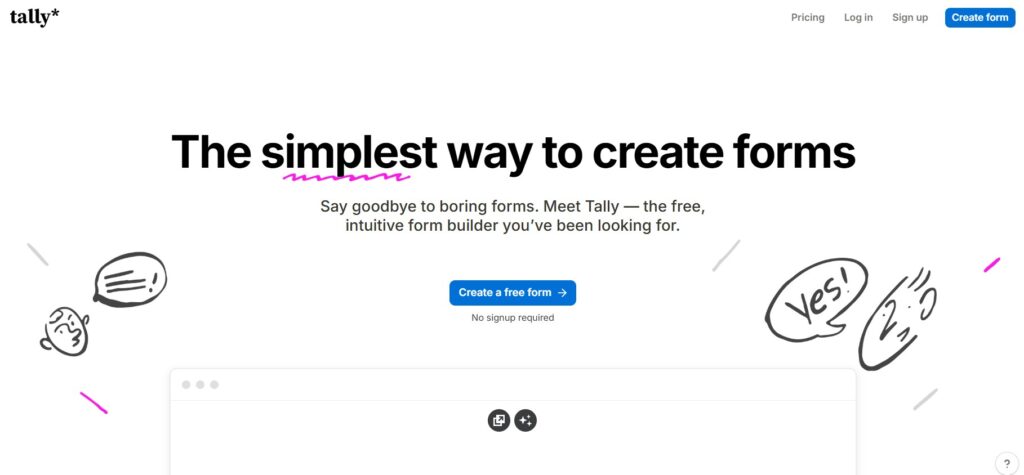
Tally
Tally is a modern, quick-to-launch tool that sits between “forms” and “surveys.” It’s popular for teams that want to publish quickly and iterate without friction.
Use it when
You’re building quick intake forms, lightweight feedback surveys, waitlists, simple questionnaires, or marketing flows where speed matters and you’ll tweak the form often.
Why it works in real projects
Tally tends to shine when you treat your survey like a living artifact: publish today, adjust tomorrow, and keep improving based on real responses.
Choose something else when
You need heavy analytics and enterprise-style organization, or your survey complexity grows into something closer to formal research operations.
Rankings by common use case
Best for customer feedback (simple, repeatable, clean workflow)
- SurveyNinja
- SurveyMonkey
- Tally
Why: customer feedback surveys succeed when they’re easy to run repeatedly and easy to read.
Best for structured programs (many surveys, many stakeholders, reporting expectations)
- SurveyMonkey
- SurveyNinja
- Tally
Why: programs reward governance, repeatability, and more formal reporting patterns.
Best for fast launch and iteration (publish in minutes, adjust often)
- Tally
- SurveyNinja
- SurveyMonkey
Why: speed matters when you’re validating ideas, building funnels, or collecting quick input.
Best for lead capture flows (surveys that behave like marketing forms)
- Tally
- SurveyNinja
- SurveyMonkey
Why: marketing flows usually benefit from quick iteration and a lightweight experience.
The simplest decision rule
If you don’t want to overthink it, use this:
- Pick SurveyNinja when you want a dependable, everyday survey maker you’ll actually keep using.
- Pick SurveyMonkey when surveys are part of a broader organizational process and reporting expectations are high.
- Pick Tally when you need speed, iteration, and lightweight forms that you can ship fast.
Bottom line
“Best survey tool” depends less on features and more on what you’re trying to achieve next week. If you match the platform to the job-one-time survey, ongoing feedback or conversion flow-you’ll get better completion rates, cleaner data and faster decisions with less effort.